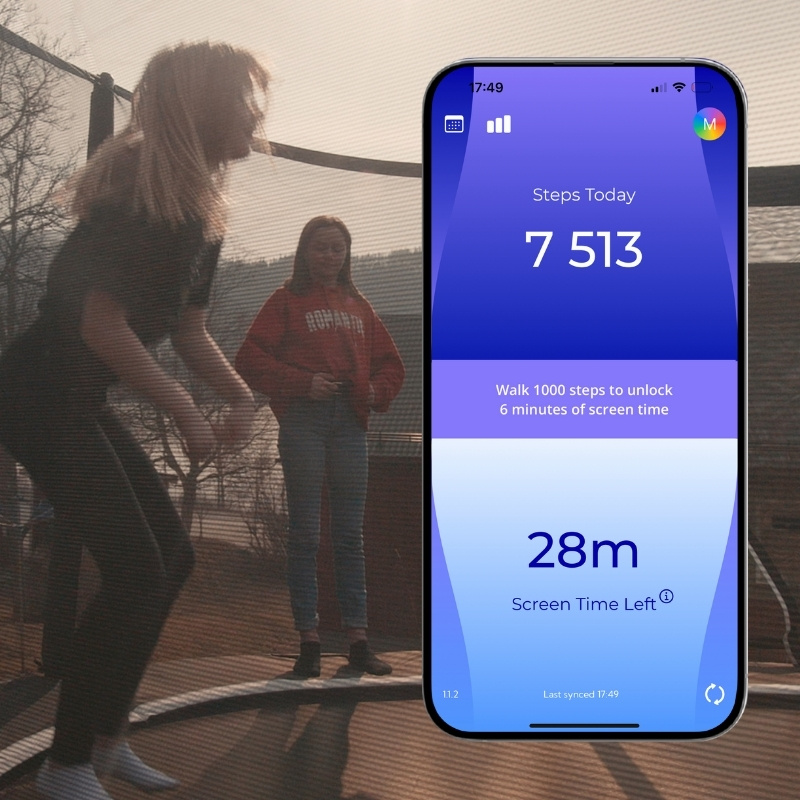
Unlock screen time through movement
Move4 – less screen time conflicts, more everyday movement
- Move4 helps the whole family find a healthy balance between screen time and physical activity
- You get half of the day’s screen time in the morning – the other half is earned through movement
- Parents can set screen time limits for younger children, protected with a PIN code
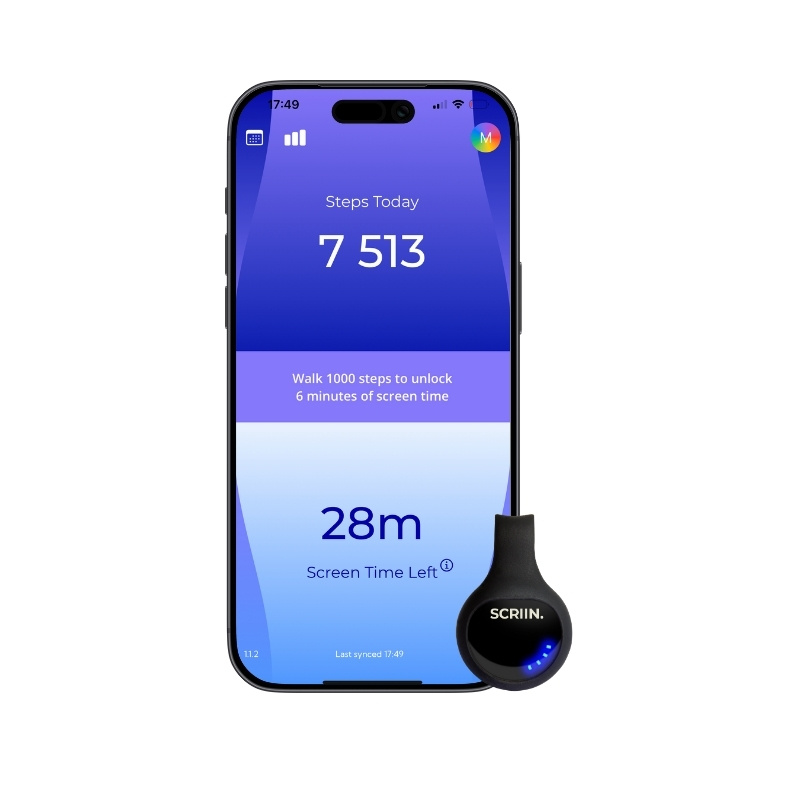
- Movement is tracked via your phone, smartwatch, or the SCRIIN tracker
Move4 is available for iPhone and iPad (iOS 18)

Manage screen time limits
- Set screen time limits for yourself or your child, and choose which apps should be restricted and at what times.
- Important apps like Messages can be left unrestricted, so you can always stay in touch.
- For younger children, settings are protected with a PIN code, and when needed you can grant extra screen time temporarily — directly in the app via SMS or a QR code.

Set a daily movement goal
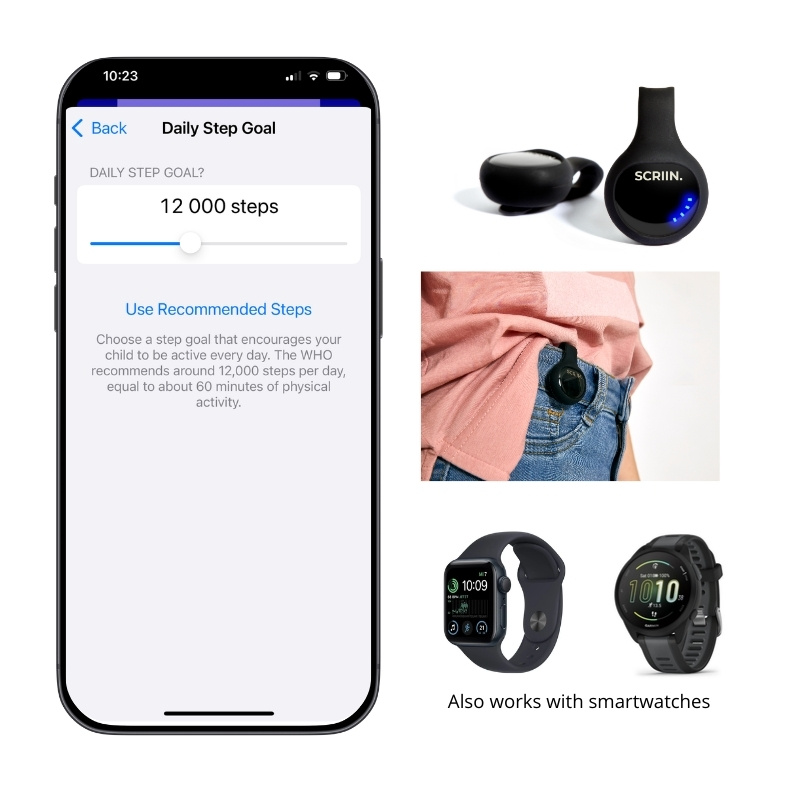
- Children and teens should get at least 60 minutes of physical activity every day, which equals approximately 12,000 steps.
- Movement is tracked via your phone, smartwatch (with support for Apple Health), or the SCRIIN activity tracker, which can be worn in a pocket, on the hip, or on a keychain.
- The SCRIIN tracker is already used in 700 Swedish schools to measure movement during the school day.
When screen time runs out, apps are paused
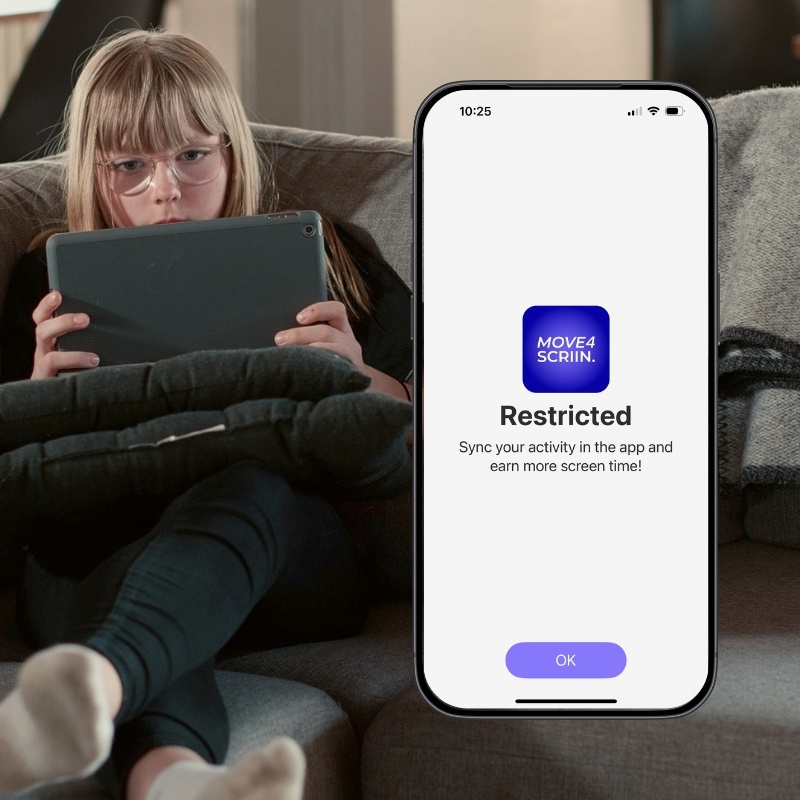
- When you reach your screen time limit, the monitored apps are paused.
- To unlock them again, open Move4 and sync your activity.
- If screen time is still used up after syncing, it’s time for a movement break.
Find the balance
- Screens are here to stay — which makes it more important than ever to build healthy digital habits for both children and adults.
- With Move4, we at the SCRIIN team use technology to help families find a better balance between screen time and physical activity.
- We hope you enjoy the app — and we’d love to hear from you if you have suggestions for improvement.